Adding a Domain Name and SSL
This guide shows you how to:
- Point a domain name to the VM that hosts your Botasaurus Desktop API.
- Secure that domain with a free SSL certificate from Let's Encrypt.
Why Use a Custom Domain?
A custom domain with SSL provides two key benefits:
- Professional appearance:
api.yourcompany.comlooks more professional than an IP address - Trust: HTTPS encryption builds trust and prevents browser security warnings
When to Use a Custom Domain?
You DON'T need a domain if:
- You're using the API for personal scripts or automation
- You're listing your API on marketplaces like RapidAPI, which provides its own domain and SSL
You DO need a domain if:
- You're providing API access to customers
- You want a professional, branded endpoint
How to Add a Domain Name and SSL?
The process involves two main steps:
- Pointing your domain to the VM's IP address
- Installing a free SSL certificate
Step 1: Get a Domain and Point it to Your VM
-
If you don't already have a domain, purchase one from a registrar.
I recommend these registrars:
- Cloudflare Domains - Most Cheapest option (offers at-cost pricing, charging only the ICANN registry fees with no markup)
- Porkbun - Second cheapest option
Avoid GoDaddy and Namecheap:
- Like HP/Canon with printers and ink, they follow the Razor and Blades pricing model. Their domain registration costs are low, but their renewal prices are significantly higher than Porkbun and Cloudflare Domains. It is unwise to buy from them.
- Also, do not even search for a domain on GoDaddy. They may purchase the domain themselves and then offer it to you at a much higher price.
I use Porkbun because:
- Unlike Cloudflare Domains, which is primarily a CDN provider, Porkbun specializes in domain registration. I want a specialist to manage my domains.
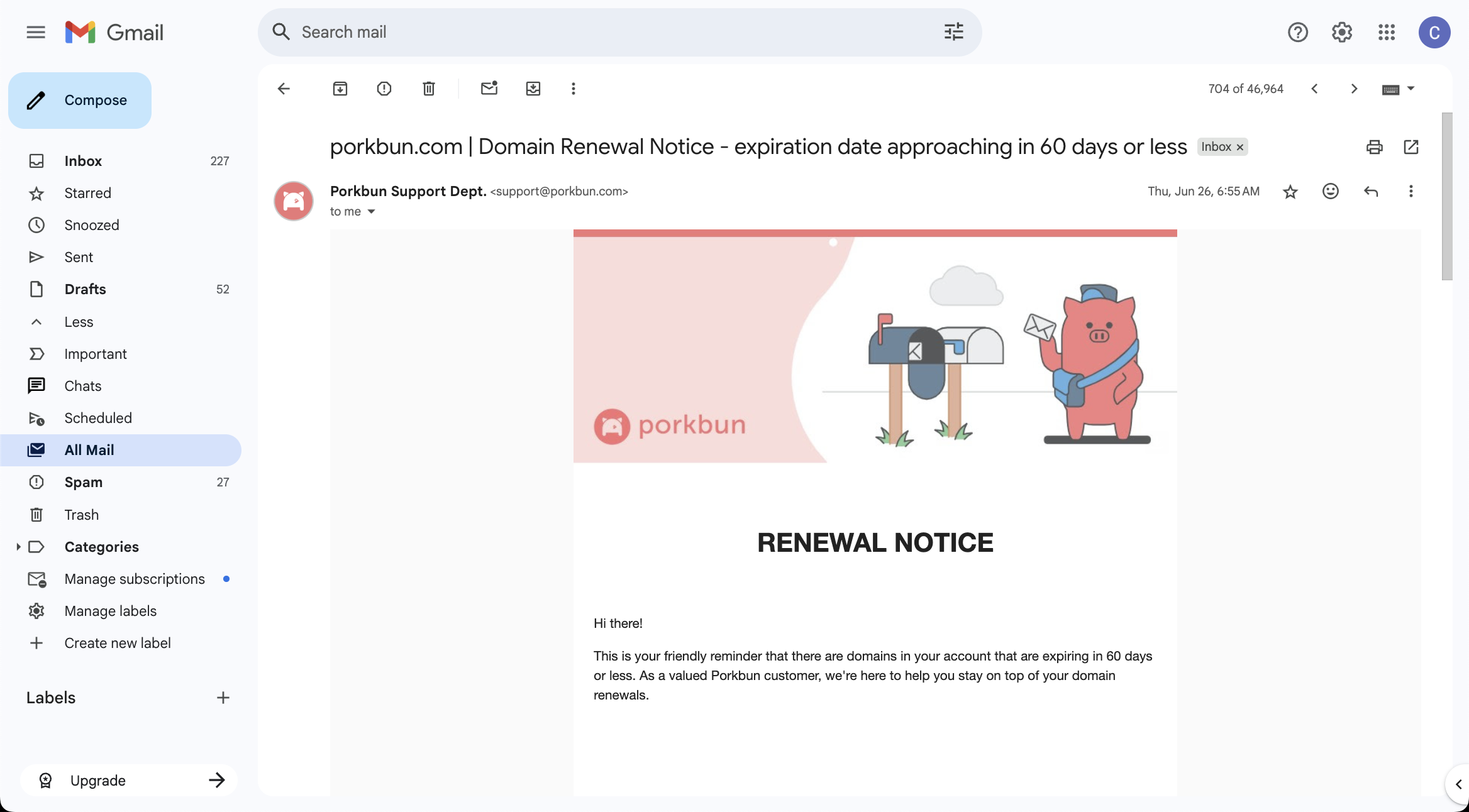
- It sends multiple renewal reminders (45 days and 30 days before expiry), so I don't forget to renew my domains.
-
Next, log in to your domain registrar and create DNS A records pointing to your VM's IP address.
- To host on a root domain and
wwwsubdomain (e.g.,yahoo-finance.comandwww.yahoo-finance.com):
Type Host Value A www.yahoo-finance.com YOUR_VM_EXTERNAL_IP A yahoo-finance.com YOUR_VM_EXTERNAL_IP - To host on a subdomain like
yahoo-finance.john-doe-it-solutions.com(allows hosting multiple scrapers on a single domain):
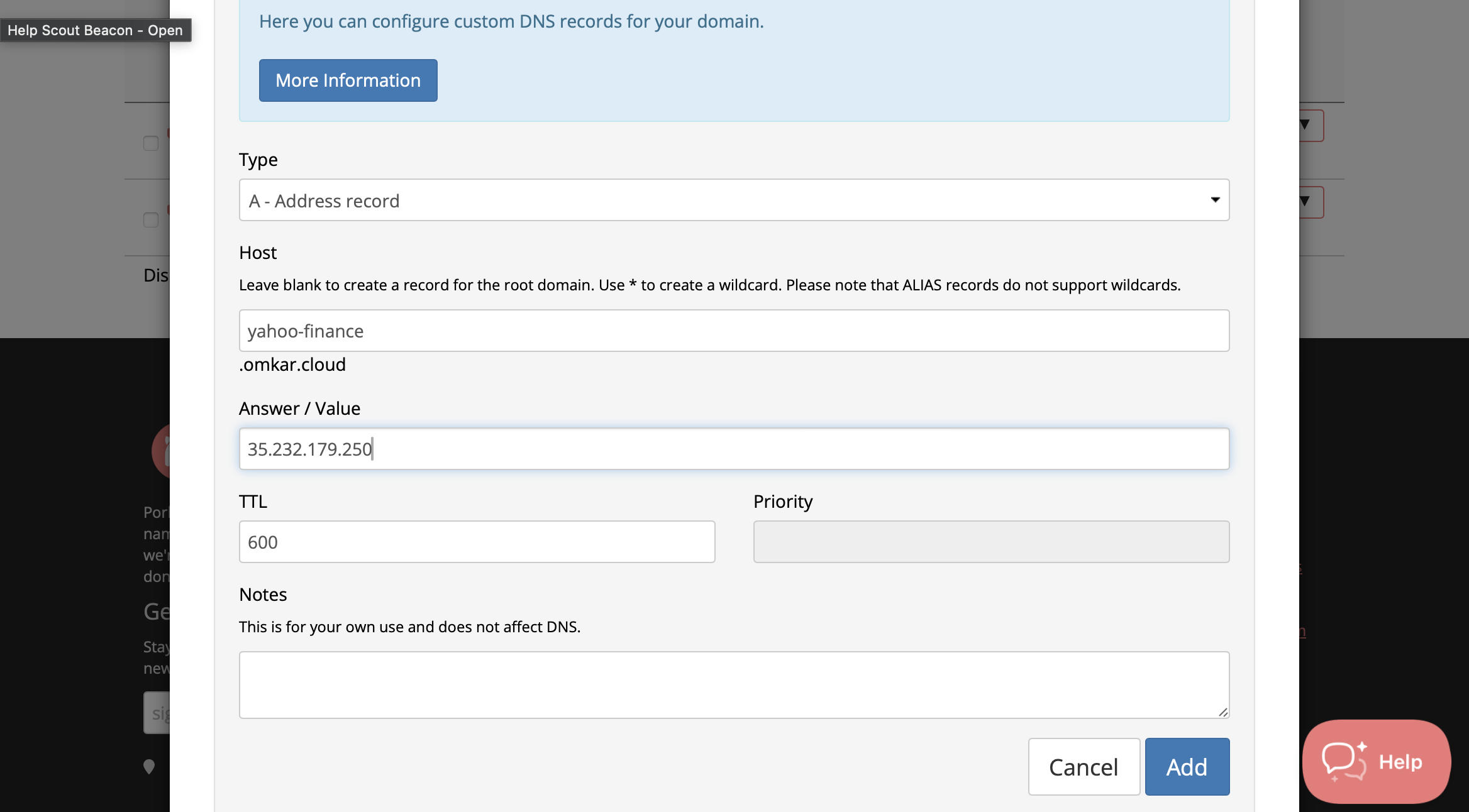
Type Host Value A yahoo-finance.john-doe-it-solutions.com YOUR_VM_EXTERNAL_IP Here's an example DNS configuration in Porkbun:
- To host on a root domain and
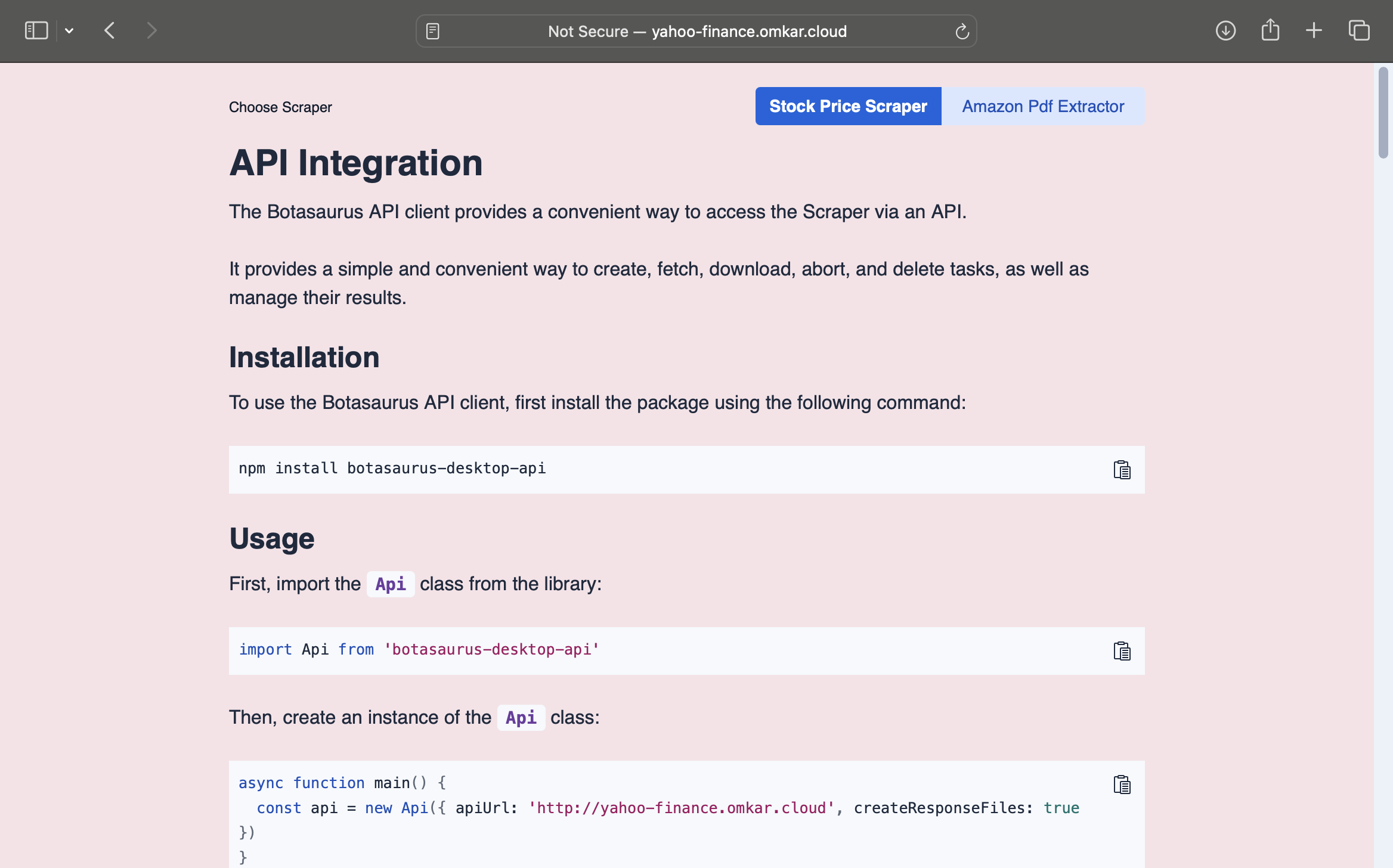
After a few minutes, test your domain by accessing it via HTTP:
Step 2: Install SSL Certificate
Next, we'll use Certbot from Let's Encrypt to automatically issue and install a free SSL certificate.
-
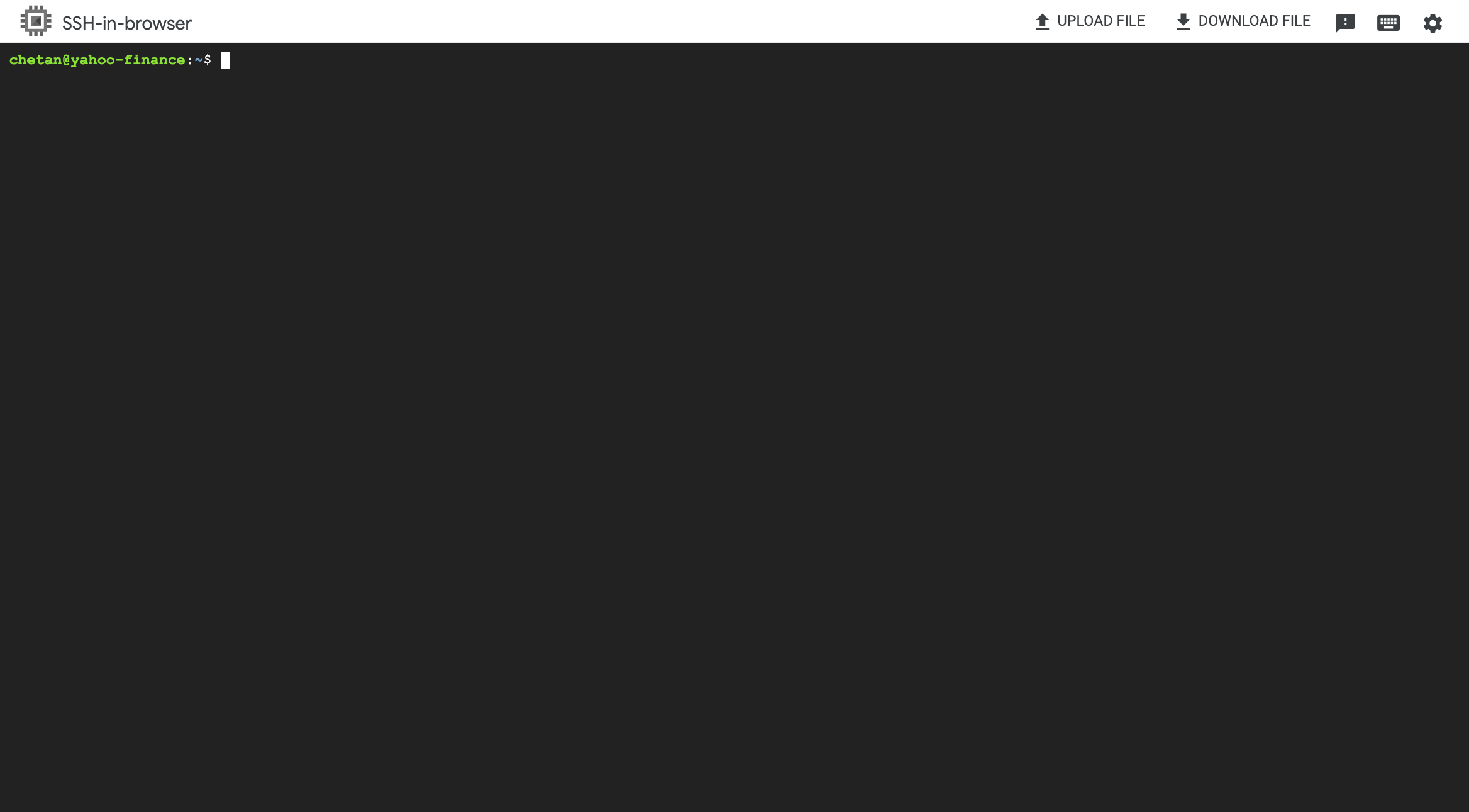
SSH into your VM instance.
-
Install Certbot:
sudo apt install certbot python3-certbot-apache -y -
Run Certbot to obtain and install the certificate:
sudo certbot --apache --agree-tos --register-unsafely-without-email--apacheconfigures Apache to use the certificate--agree-tosautomatically accepts the Let's Encrypt terms of service--register-unsafely-without-emailskips email registration
-
When prompted for domain names, enter them separated by commas:
- For root + www:
example.com,www.example.com - For subdomain only:
subdomain.example.com

- For root + www:
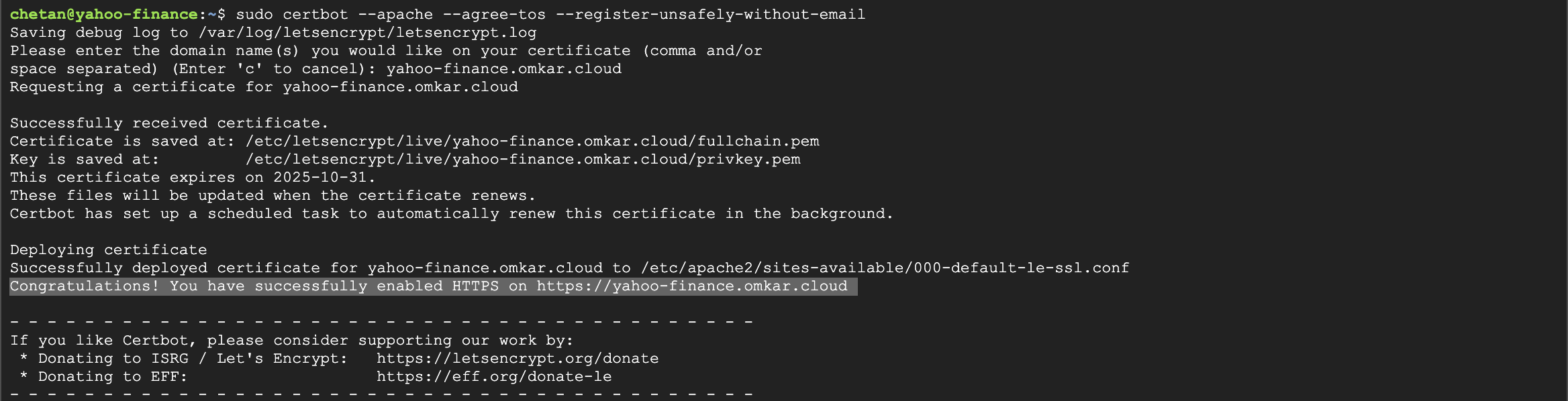
After successful installation, you'll see a confirmation message:
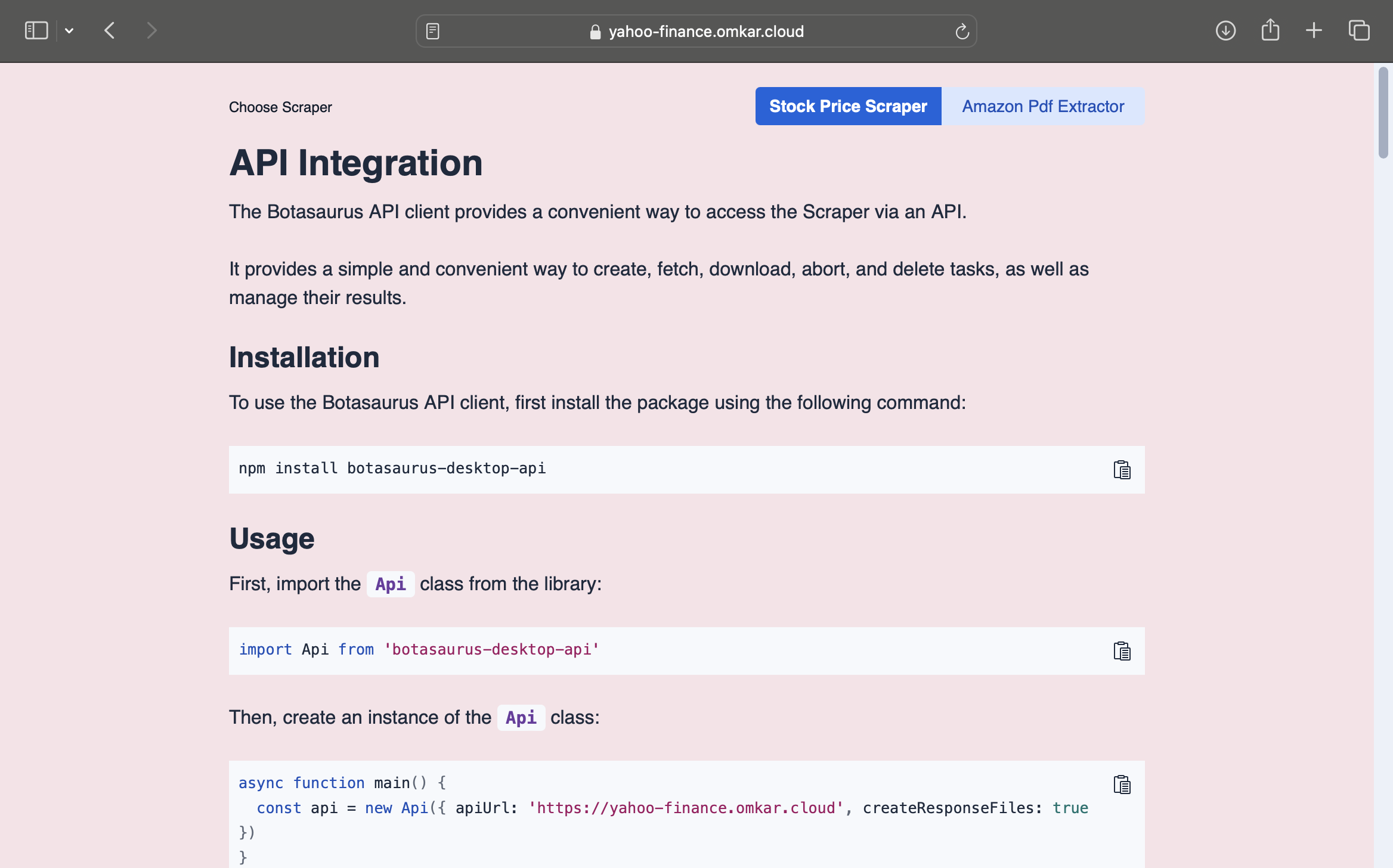
That's it! You can now access your API securely over HTTPS.
Certbot automatically renews your SSL certificate 30 days before expiration. No manual renewal is required.
I am facing "Some challenges have failed." error while running certbot command. How do I fix it?
If you encounter the "Some challenges have failed" error:
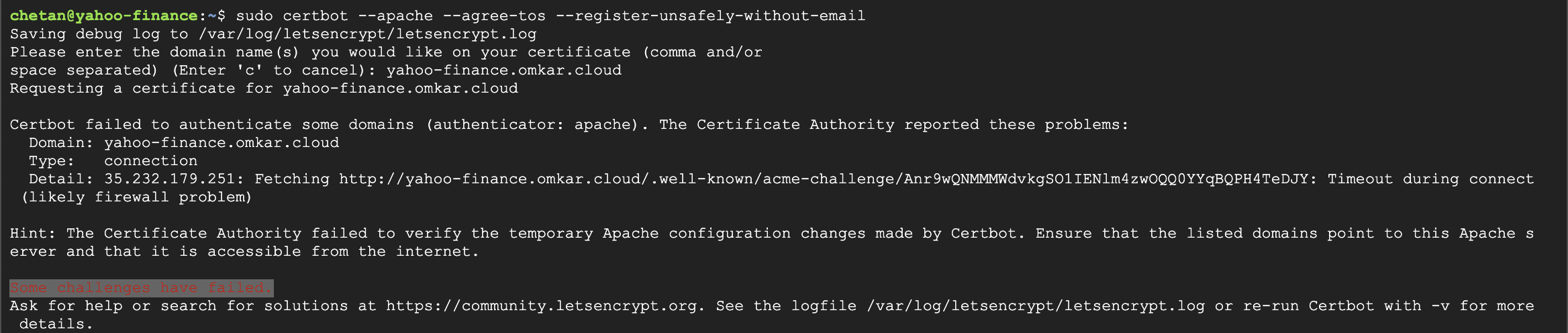
This error is almost always caused by one of two issues:
- The DNS A record doesn't point to the correct VM IP address (common with ephemeral IP addresses)
- DNS changes haven't propagated across the internet yet
To resolve this error:
-
Find your VM's IP address by running:
curl icanhazip.com -
Log in to your domain registrar and update the DNS A record to point to this IP address
-
Wait 5 minutes for DNS propagation
-
Retry the Certbot command:
sudo certbot --apache --agree-tos --register-unsafely-without-email
This should resolve the error and successfully install your SSL certificate.